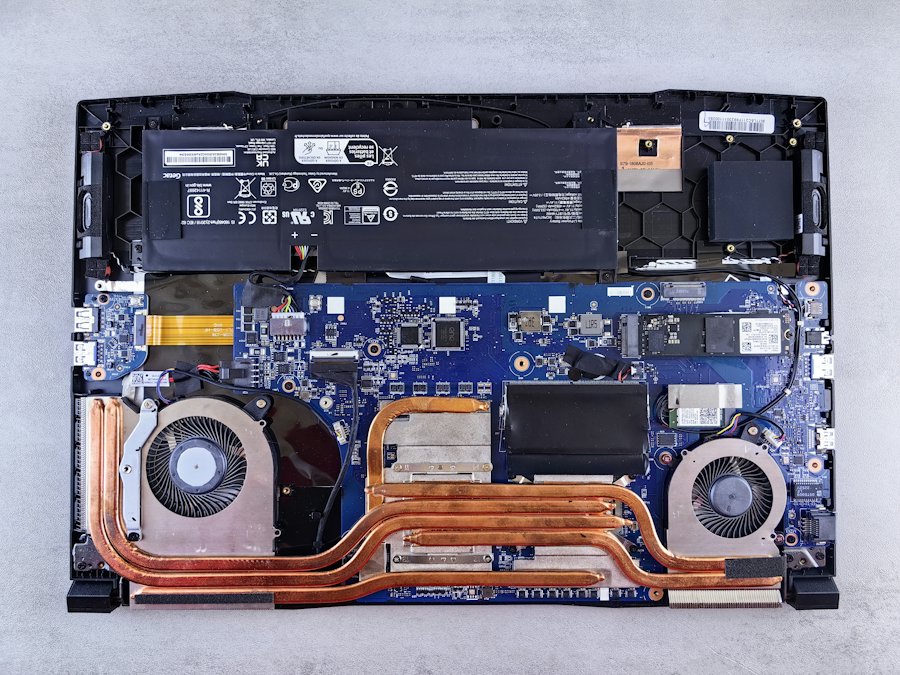
 Laptop parts
Replacement parts
Chargers, LCD screens, batteries, keyboards and more, matched to your exact model.
Find a part
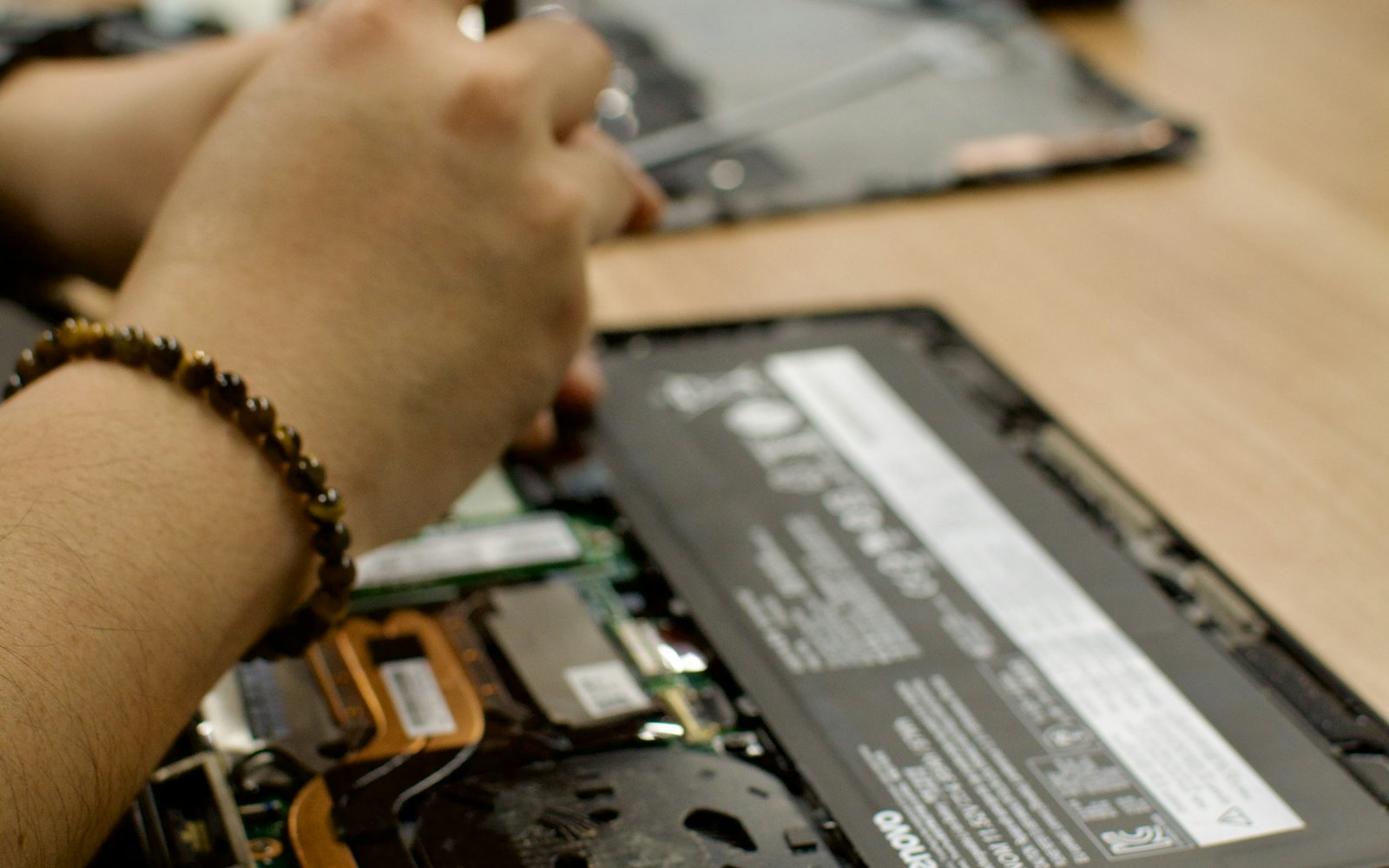
Computer and laptop sales and services in Caloocan. Wholesale and retail.
PC Talks is a computer and laptop shop on North Diversion Road in Caloocan, operated by Junio Consumer Electronics Trading.
Our focus is what technicians and shops need most: replacement parts for every brand, found fast. We supply chargers, screens, batteries, keyboards and other parts to computer shops, technicians and resellers around the country, and to anyone with a laptop that needs fixing.
We also sell brand-new and pre-owned desktops and laptops, supply companies and schools (B2B), and repair laptops and desktops. We ship nationwide via JRS Express, LBC and bus cargo, and deliver same-day in Metro Manila via Lalamove or our own rider.
Laptop partsChargers, LCD screens, batteries, keyboards and more, matched to your exact model.
Find a part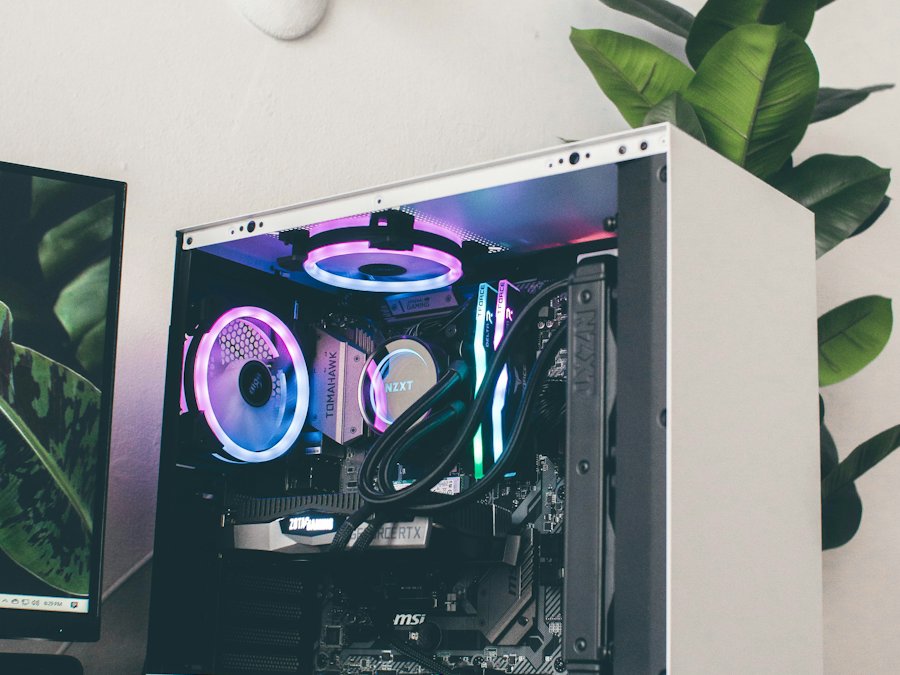 Computers
Brand-new and pre-owned desktops, laptops, printers, monitors and accessories.
See computers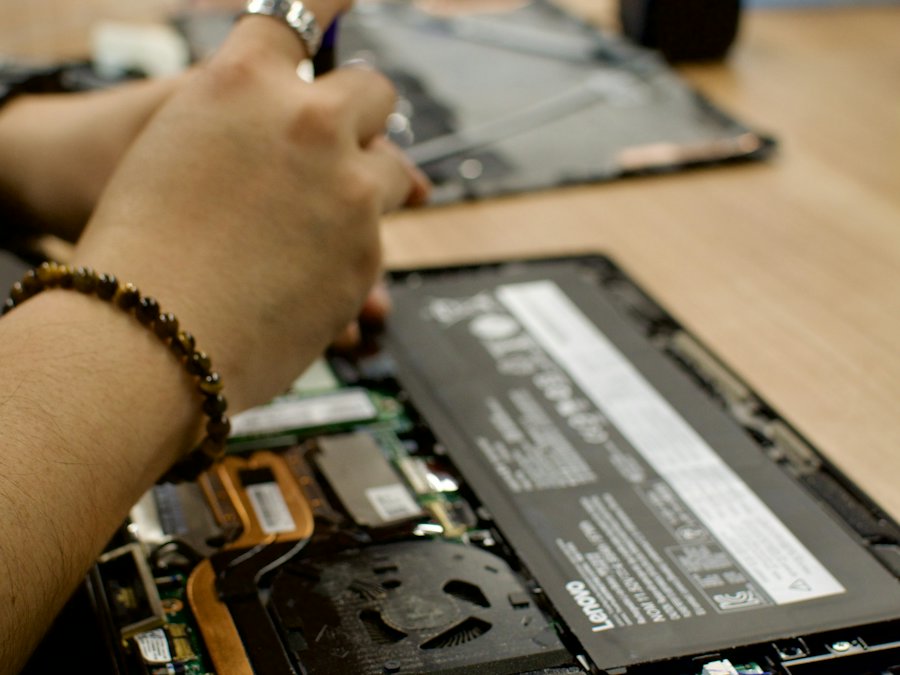 Repair
Screens, keyboards, batteries, power issues, cleaning and upgrades, quoted before we start.
Get a repair quoteYou see the price and availability first. No surprise charges.
We match by model and part number so it fits the first time.
Units and repairs are tested before they go back to you.
Message us on Messenger, call, text or Viber.